
Colombia / Bre-B with Biometrics
Support recurring and repeat bank transfer payments with biometric authentication through dLocal.
What is BreB Biometrics?
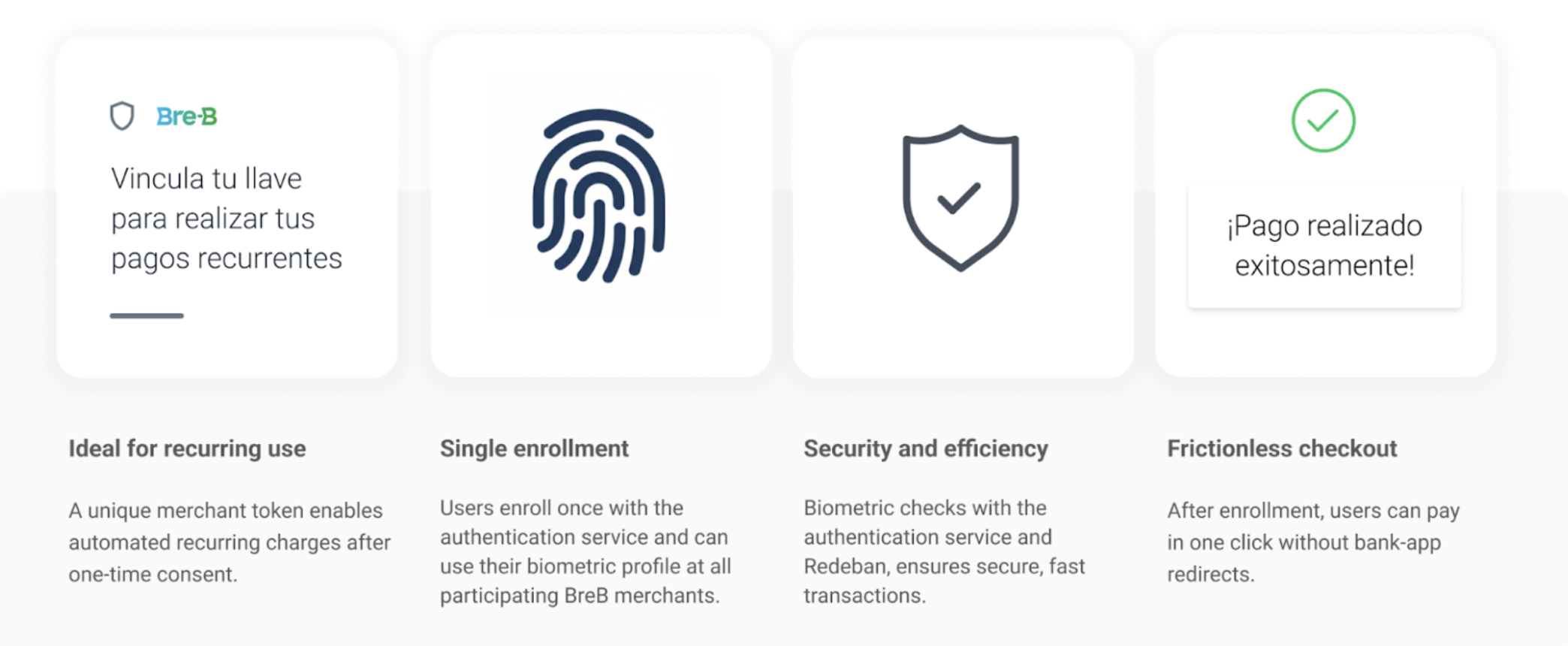
BreB Biometrics enables customers in Colombia to authorize bank transfer payments using biometric authentication (face, fingerprint, or passkeys) via a selected BreB key.
After a one-time enrollment, users can approve future payments with reduced friction, without repeating full bank authorization flows or redirects.
How it works
From the user’s perspective:
- User selects BreB at checkout
- User is redirected to the authentication service where they select their bank
- User completes authentication and biometric verification
- Enrollment is completed
- Future payments can be executed using the stored token
Launching flow
BreB Biometrics uses a redirect flow for enrollment and one shot payments, and direct (server-to-server) execution for recurring payments.
Flow options
| Flow | Endpoint | Description |
|---|---|---|
| Enrollment only | /enrollments | Create consent for future payments |
| Enrollment + payment | /payments | Enroll user and charge first payment |
| One-shot payments | /payments | Payment with biometric validation |
| Recurring payments | /payments (DIRECT) | Charge using existing enrollment |
Payment method details
payment_method_id | Name | payment_method_type | Allowed flows |
|---|---|---|---|
QO | BreB Biometrics One-Shot | Ticket | REDIRECT |
QF | BreB Biometrics Recurring | Ticket | DIRECT/REDIRECT |
Capabilities
| BreB Biometrics | |
|---|---|
| Country / Currency | CO / COP |
| Min amount | 1 COP |
| Max amount | Up to ~12M COP (bank-dependent) |
| Notification delay | Immediate |
| Refunds | Yes |
| Enrollment required | Yes, for recurring payments. For one shot payments, only a call to /payments is required |
| Flow | REDIRECT (enrollment) / DIRECT (recurring payments) |
| Use cases | Subscriptions, recurring billing, repeat payment |
Payment flow in native apps
- Merchant receives a
redirect_urlfrom dLocal - Flow is launched via browser or WebView
- After enrollment, recurring payments are executed server-to-server; One Shot payments require quick redirect verification.
Recurring payments
Once the enrollment is ACTIVE, merchants can execute payments using:
POST/paymentspayment_method_flow=REDIRECTenrollment.id
No user interaction is required.
Enrollment lifecycle
| Action | Endpoint |
|---|---|
| Get status | GET enrollment.id |
| Cancel | POST /enrollments/{id}/cancel |
Updated about 1 month ago
Did this page help you?